by Anam Khan | Jun 10, 2026
Nutanix Cloud, Available Through Arc Analytics
Arc Analytics is a Nutanix reseller partner. We help organizations evaluate, license, and deploy the full Nutanix product portfolio across private cloud, hybrid cloud, and on-premises environments.
A Simpler Way to Run Your Infrastructure
Nutanix delivers a unified platform that combines compute, storage, and networking into a single, easy-to-manage environment. Whether you are running on-premises, in the cloud, or across both, Nutanix simplifies operations and reduces the overhead of managing complex infrastructure.
The Nutanix Product Portfolio
Arc Analytics can help you evaluate and license any product across the Nutanix platform. Below is an overview of the core product areas.
Start With a Discovery Call
If your team is exploring secure and practical ways to move forward, Arc Analytics can help you
define the right next step.
How Arc Analytics Supports Nutanix Customers
How Arc Analytics Helps You Get Started
1
Discuss your current infrastructure and goals
2
Identify the right Nutanix products and licensing
3
Support sizing, configuration, and procurement
4
Assist with deployment planning and rollout
5
Provide ongoing advisory and support
We take a practical approach built around security, structure, and real operational needs. Our team understands how to bridge leadership priorities with technical execution so organizations can move forward with more clarity and control.
Nutanix supports a wide range of deployment options so your team is not locked into a single environment.
Frequently Asked Questions
What Nutanix products does Arc Analytics offer?
Arc Analytics is a Nutanix reseller partner and can help with the full Nutanix product portfolio, including Cloud Infrastructure, Cloud Manager, Unified Storage, and Database Service.
Is Nutanix a good alternative to VMware?
Yes. Nutanix is widely used as a VMware alternative, offering integrated compute, virtualization, networking, and disaster recovery in a single platform without the complexity of managing separate products.
Can Nutanix run in the cloud as well as on-premises?
Yes. Nutanix supports on-premises deployments as well as hybrid cloud environments through Nutanix Cloud Clusters on AWS and Azure, giving teams flexibility across environments.
How does Arc Analytics help with Nutanix licensing?
Arc Analytics can help you evaluate your needs, identify the right products and licensing options, and support procurement so your team gets the right fit without overpaying or underbuying.
What types of organizations does Arc Analytics support with Nutanix?
We support both commercial and public sector organizations looking to modernize infrastructure, simplify operations, or evaluate Nutanix as part of a broader data and technology strategy.
by Greg Moores | Aug 20, 2025
Fathom AI Notetaker, Available Through Arc Analytics
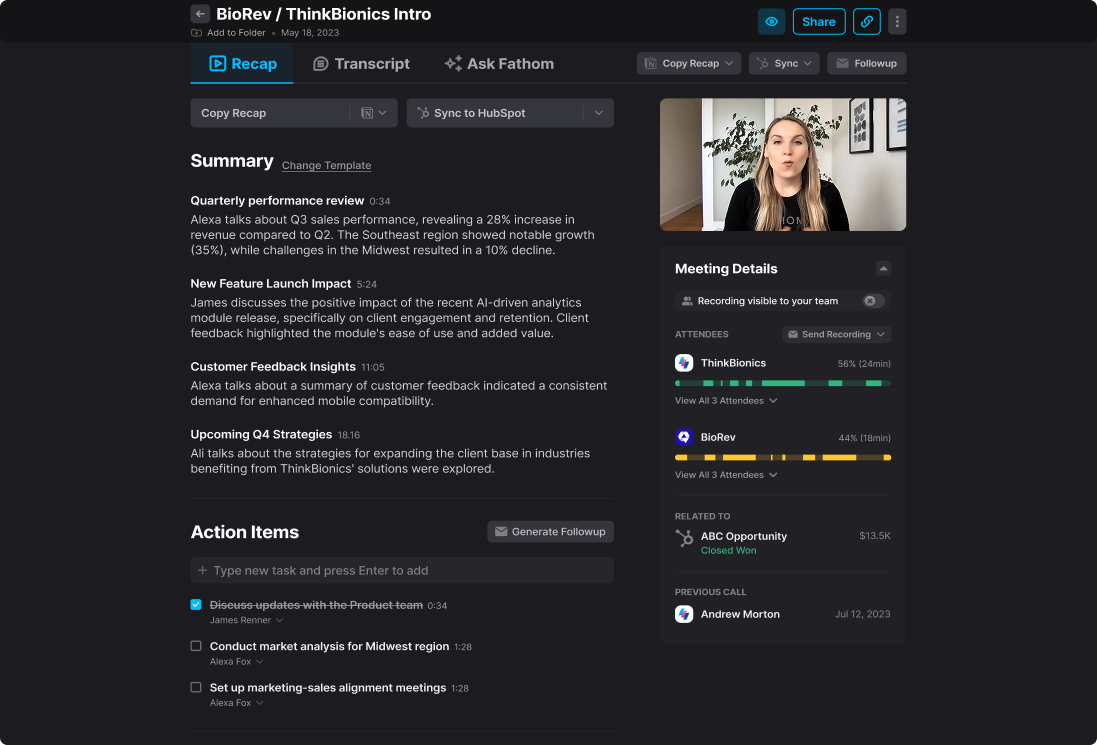
Fathom captures, summarizes, and organizes your meetings automatically so your team can stay focused on the conversation. Now available bot-free, with direct integrations into ChatGPT, Claude, and MCP-enabled workflows.
SOC 2 Type II | GDPR | HIPAA Compliant | SSO / SCIM | Used at 300K+ Companies
Our Team's Past Experience
Stop Taking Notes. Have Better Meetings.
Fathom records, transcribes, and summarizes your calls automatically. Every detail is captured so your team can stay present and move faster after every meeting.
What Fathom Does for Your Team
Connected to the AI Tools Your Team Already Uses
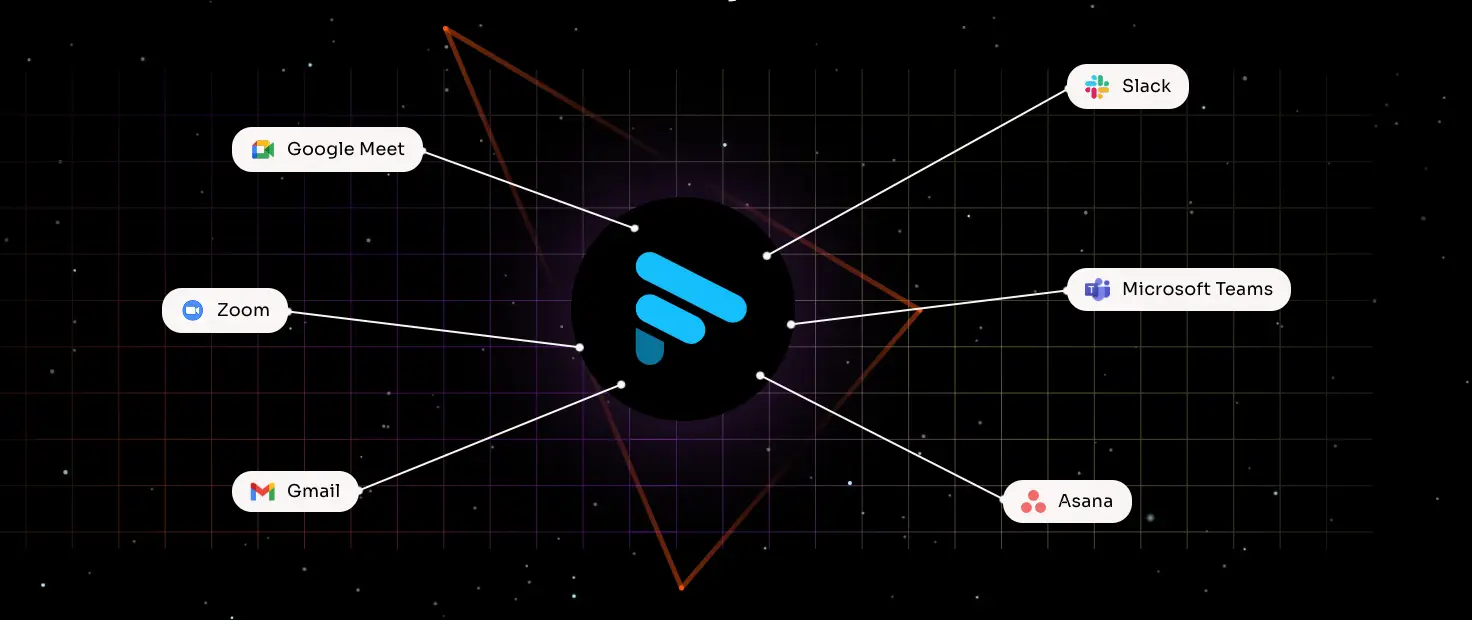
Fathom plugs directly into the AI platforms and developer tools your team relies on every day
Bring meeting data into ChatGPT to ask questions and build on your conversations.
Connect Fathom to Claude for deeper analysis and AI-assisted workflows
Fathom’s MCP support connects meeting data to AI agents, developer tools, and custom pipelines.
Build custom integrations and automate workflows using Fathom’s open API.
Ready to Get More From Every Meeting?
Arc Analytics can help your team get started with Fathom and connect it to the tools and AI workflows that matter most.
1. Connect Fathom to your calendar and meeting platform
2. Join your meeting as normal, bot-free or with Fathom
3. Fathom captures, transcribes, and summarizes automatically
4. Summaries and action items sync to your tools instantly
5. Ask Fathom questions across past meetings anytime
Works Where Your Team Works
Fathom connects to the tools your team already uses.
-
-
-
-
-
-
-
-
-
-
-
-
-
Frequently Asked Questions
Does Fathom require a bot to join the meeting?
No. Fathom offers bot-free capture so meetings stay natural while everything is still recorded and summarized automatically.
How does Fathom connect to ChatGPT and Claude?
Fathom integrates directly with both platforms so your meeting data flows into your AI tools for deeper analysis, content generation, and smarter workflows.
What is MCP and why does it matter?
MCP stands for Model Context Protocol. Fathom’s MCP server makes meeting data available to AI agents, developer tools, and custom automation pipelines.
How does Arc Analytics support Fathom customers?
Arc Analytics helps organizations implement Fathom and connect it to broader data, analytics, and AI workflows to maximize value across the team.
What is Fathom and how does it work?
Fathom is an AI meeting assistant that records, transcribes, and summarizes meetings automatically across Zoom, Google Meet, and Microsoft Teams.
Does Fathom require a bot to join the meeting?
No. Fathom offers bot-free capture so meetings stay natural while everything is still recorded and summarized automatically.
How does Fathom connect to ChatGPT and Claude?
Fathom integrates directly with both platforms so your meeting data flows into your AI tools for deeper analysis, content generation, and smarter workflows.
What is MCP and why does it matter?
MCP stands for Model Context Protocol. Fathom’s MCP server makes meeting data available to AI agents, developer tools, and custom automation pipelines.
How does Arc Analytics support Fathom customers?
Arc Analytics helps organizations implement Fathom and connect it to broader data, analytics, and AI workflows to maximize value across the team.
by Greg Moores | Aug 20, 2025
Vizlib for Qlik Sense & Qlik Cloud
Extend Qlik with advanced visuals, self-service build tools, collaboration features, and financial reporting. Available through Arc Analytics.
40+ chart types | Write-back options | Works with Qlik Sense + Qlik Cloud
Our Team's Past Experience
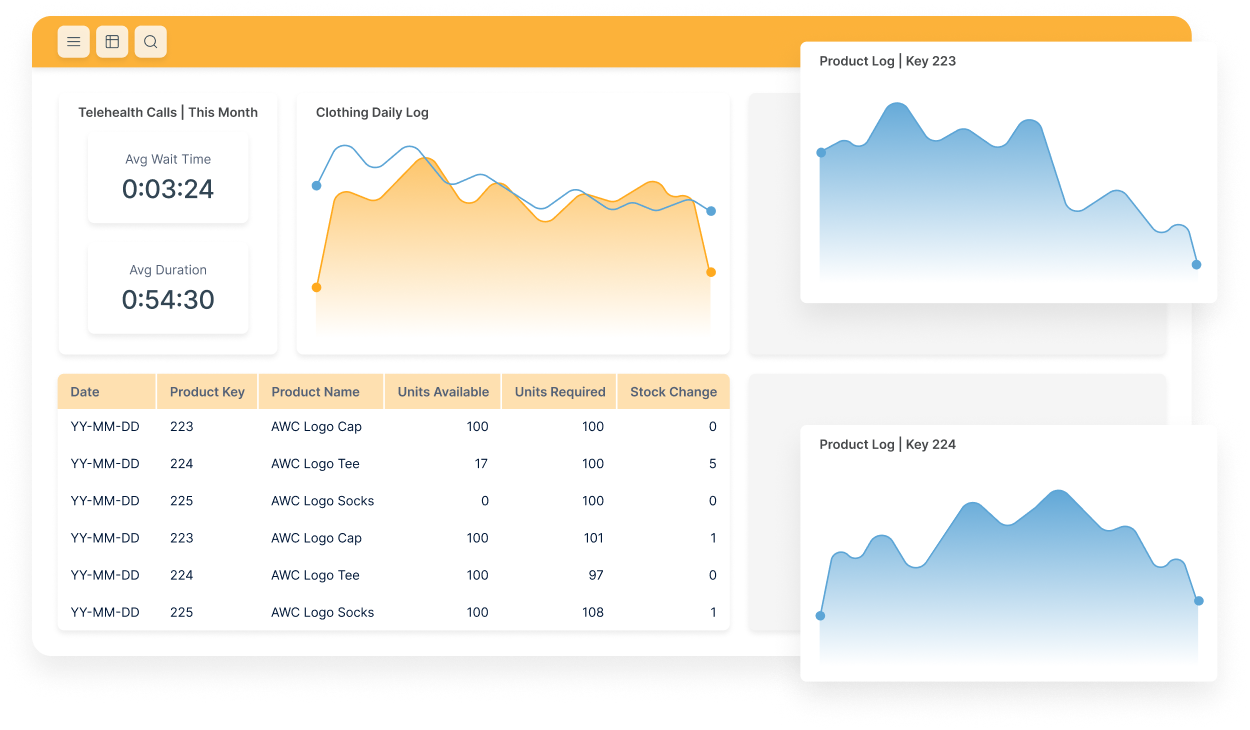
40+ visualization types and dashboard components for Qlik Sense and Qlik Cloud.
Drag-and-drop dashboard building with guided setup so teams rely less on developer queues.
Add comments, annotations, and write-back options so dashboards support real follow-through
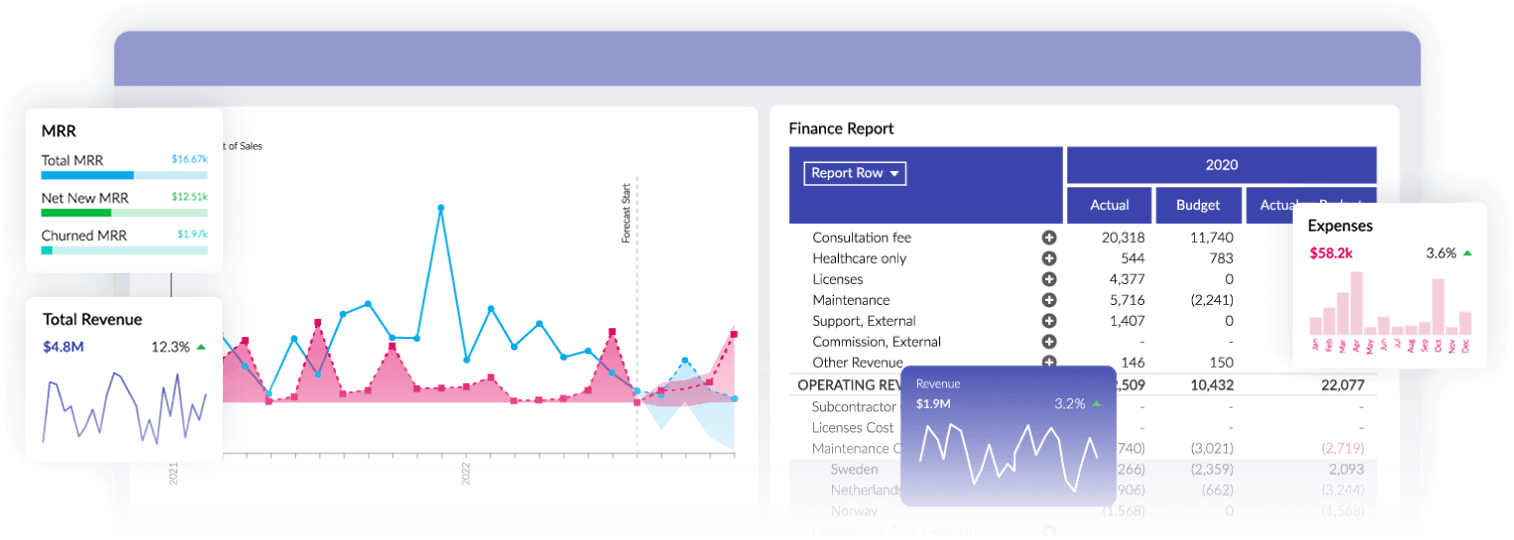
Build finance-ready statements and reports with hierarchies and layouts designed for finance
teams.
Support and licensing offered through Arc Analytics. Package selection depends on your goals
and Qlik platform.
● Expand chart options beyond native Qlik
● Standardize look and feel across apps
● Build reusable templates for faster delivery
● Guided creation for sheets and visuals
● Familiar functions and field selection
● Fewer back-and-forth requests to BI teams
● Comment on charts and key data points
● Track changes with audit-friendly history
● Write-back options for updates and corrections
● Support complex hierarchies and rollups
● Create P&L and balance sheet layouts
● Export reports with consistent formatting
Vizlib supports Qlik Sense Enterprise and Qlik Cloud so your team can standardize the experience across platforms.
How Arc Analytics Helps You Get Started
1. Confirm your Qlik platform (Sense or Cloud) and use cases
2. Select the right Vizlib packages
3. Install and configure (including security and governance)
4. Roll out templates and standards
5. Train authors and support adoption
Common Reasons Teams Add Vizlib
Frequently Asked Questions
Vizlib is a suite of extensions and add-ons that expand Qlik with more visualizations,
self-service build tools, collaboration features, and financial reporting options.
Does Vizlib work with Qlik Sense and Qlik Cloud?
Yes. Vizlib supports both Qlik Sense Enterprise and Qlik Cloud.
What are the main Vizlib packages?
Vizlib is commonly deployed using four core packages: Vizlib Library, Vizlib Self-Service, Vizlib
Collaboration, and Vizlib Finance.
Can Vizlib help reduce dashboard development backlog?
Yes. Vizlib adds reusable components and self-service tools that help teams build and update
dashboards faster with less reliance on developer queues.
Can Arc Analytics help with licensing, setup, and rollout?
Yes. Arc Analytics can help select packages, support licensing, handle setup for Qlik Sense or
Qlik Cloud, and provide training for authors and teams.
by Greg Moores | Jul 28, 2025
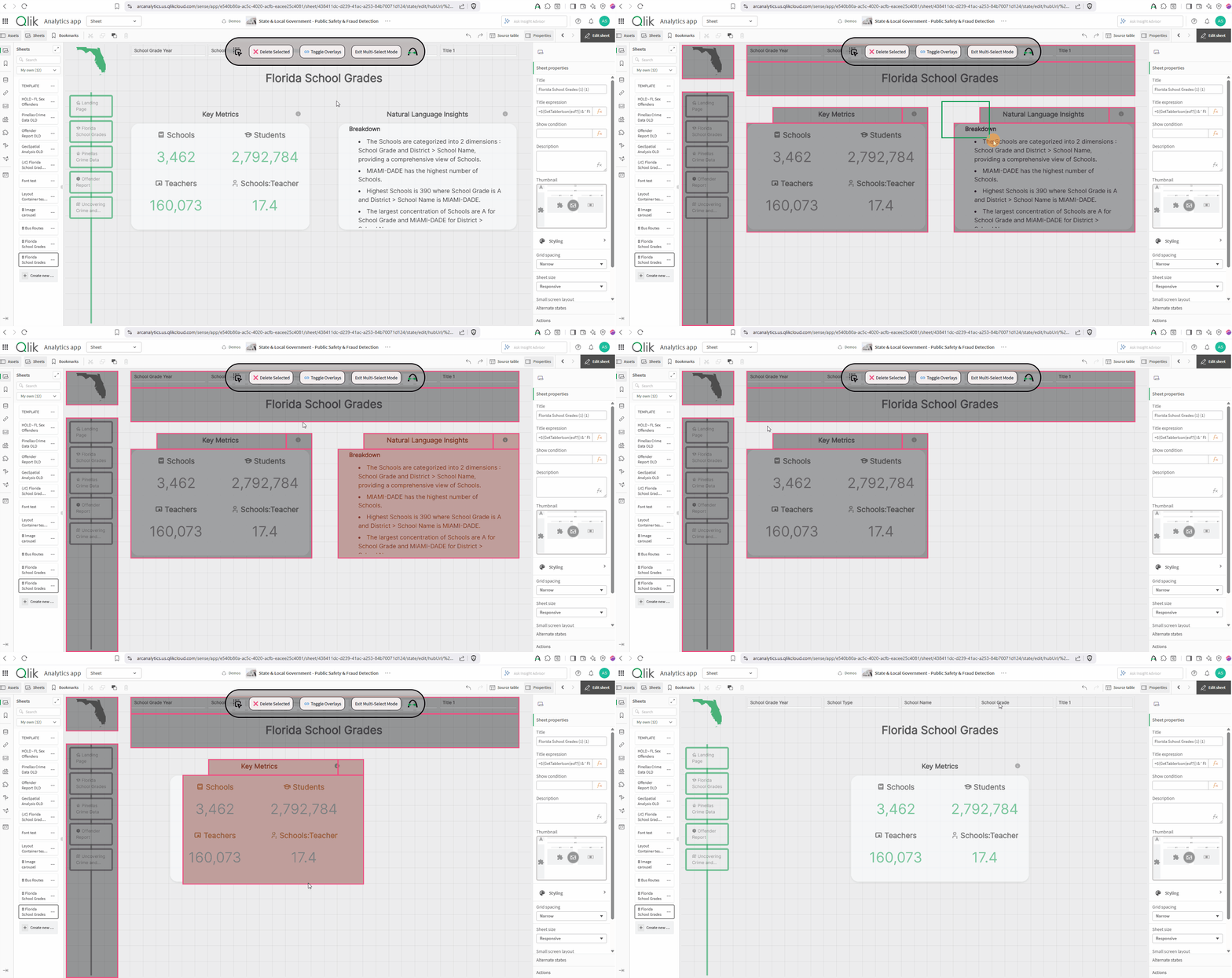
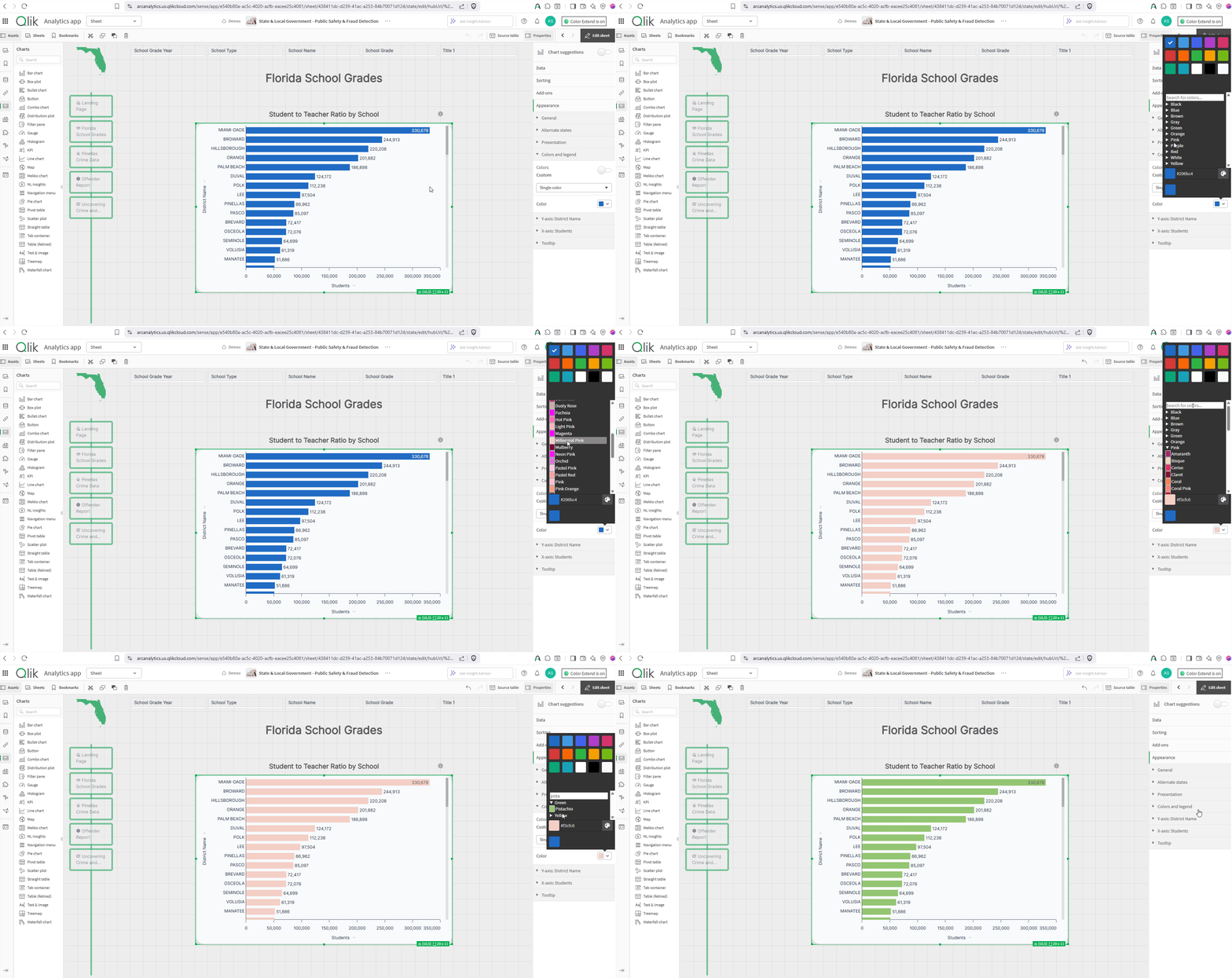
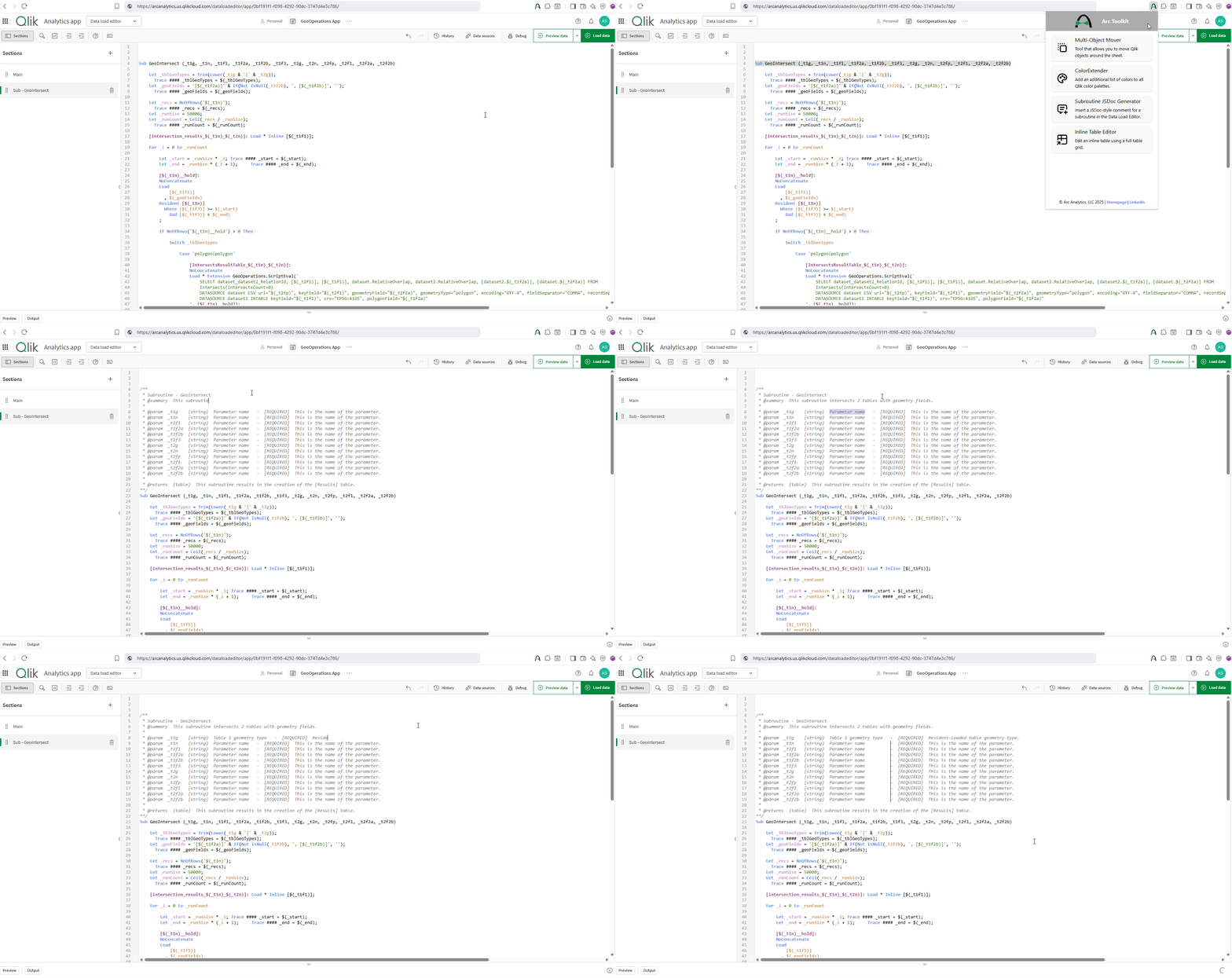
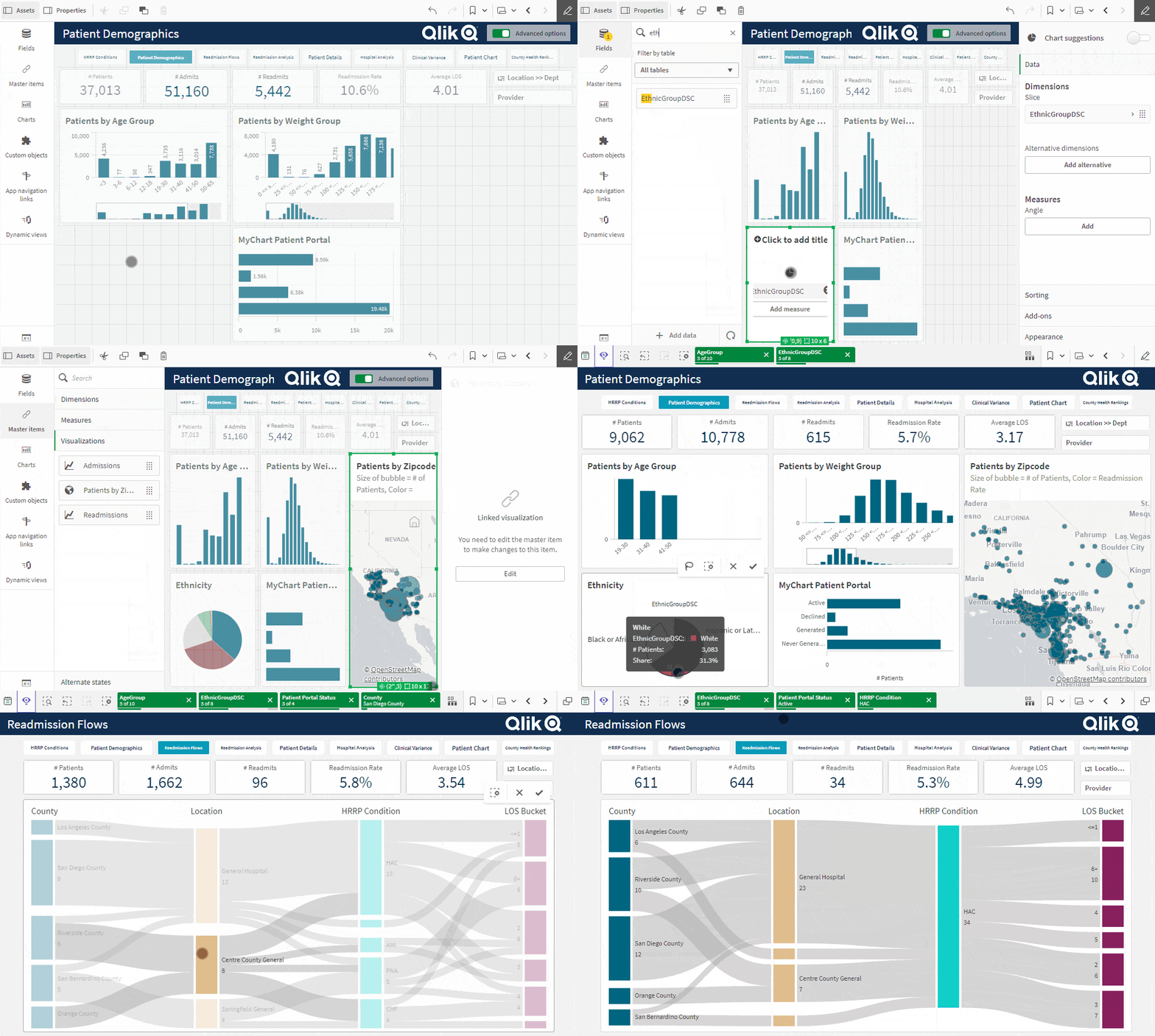
Supercharge your Qlik development and transform your Qlik workflow with Arc Toolkit, a browser extension packed with intuitive tools to help you build, edit, and manage Qlik apps faster and smarter.
Why Arc Toolkit?
Arc Toolkit is designed for Qlik developers who want to save time, reduce manual work, and unlock new creative possibilities. Whether you’re building dashboards, editing scripts, or managing data, Arc Toolkit gives you the power and flexibility to do more, right inside your browser.
by Greg Moores | Jun 21, 2025
Qlik Automate Licensing
Arc helps organizations build efficient, no-code workflows that automate analytics, alerts, and business processes.
Qlik Automate is a low-code automation platform that allows teams to orchestrate data pipelines, trigger actions across systems, and automate analytics delivery — all within Qlik Cloud. Whether it’s scheduling data refreshes or sending alerts when KPIs shift, Arc helps you design flows that save time, reduce errors, and increase business responsiveness.
Qlik Automate Key Features
A Superior Data & Analytics Experience
Progress takes action, set a meeting today.
w
Meet with an Arc solutions expert to outline your project.
Connect for a customized demo tailored to your needs.
Z
We manage everything so you can focus on your business success.